Basic Information
The basic information section defines the core identity of your organization. These fields determine how your organization appears across FeatsClub -- on your public profile, in search results, and on all your events, memberships, and clubs.
Organization Name
The organization name is the primary display name for your organization across the entire platform. It appears at the top of your public profile, on event cards, in search results, and in all communications.
- The name field is required.
- Minimum 3 characters, maximum 50 characters.
- Choose something recognizable and professional that your community already knows you by.
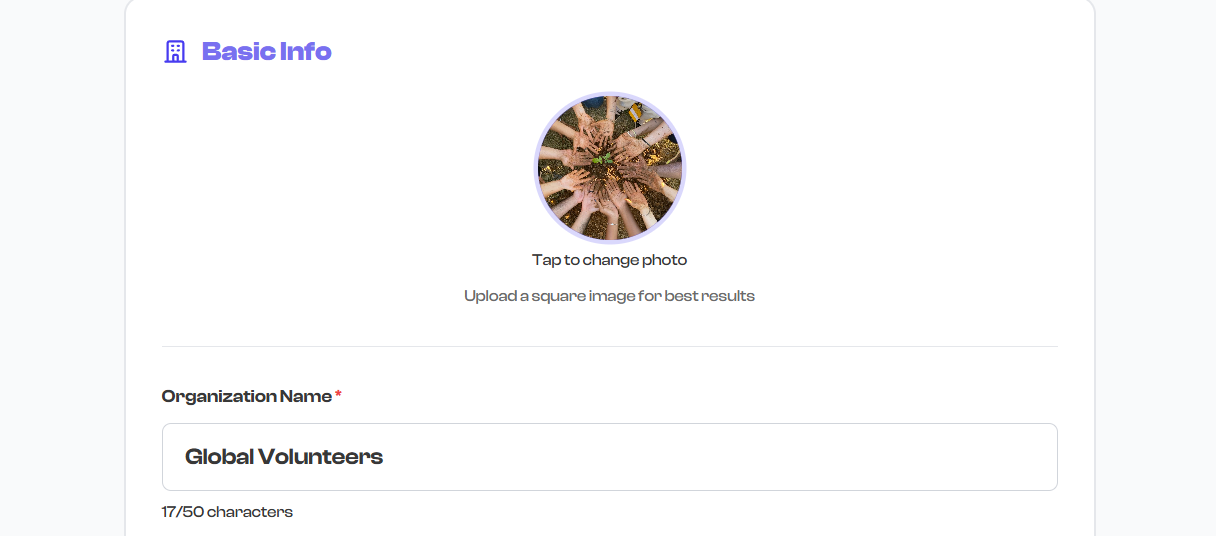
Use the name your community already knows. If people search for "Riverside Youth Basketball", that should be your organization name -- not an abbreviation like "RYBA" that newcomers would not recognize.
Tagline / Mission
The tagline is a short, one-line mission statement or descriptor that appears directly below your organization name on your public profile. Think of it as your organization's elevator pitch.
- This field is optional but recommended.
- Maximum 150 characters.
- Keep it concise and impactful -- one sentence that captures what you do and who you serve.

Good tagline examples:
- "Building champions through youth basketball since 2015"
- "Community-driven dance education for all ages and skill levels"
- "Empowering young musicians through performance and mentorship"
- "Where fitness meets community -- group training for every level"
The tagline contributes to your profile completion percentage. Adding at least 5 characters counts as complete.
About / Mission & Purpose
The about section is where you describe your organization in detail. This is the main descriptive text on your public profile page and your opportunity to tell visitors what your organization does, who you serve, and what makes you unique.
- This field is required for a complete profile.
- Minimum 10 characters, maximum 500 characters.
- This text appears prominently on your public organization page under the "Mission & Purpose" section.
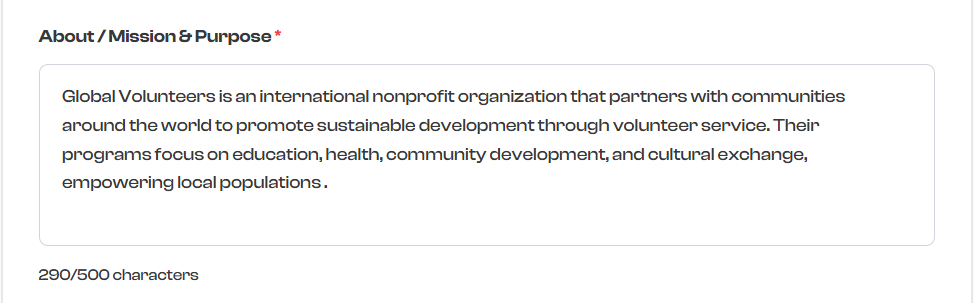
What to include in your about section:
- What you do -- Your core activities, programs, or services
- Who you serve -- Your target audience (age group, skill level, community)
- What makes you unique -- Your approach, values, or differentiators
- Your history -- Brief background if relevant (founded year, milestones)
Write your about section from the visitor's perspective. Answer the question: "Why should I follow this organization or join one of their programs?" Lead with what you offer, then explain who you are.
Organization Type
The organization type helps categorize your organization for discovery and filtering. Select the option that best describes your organization from the dropdown.
- This field is optional but recommended for discoverability.
- Select one type from the available options.
Available organization types:
| Type | Type | Type |
|---|---|---|
| School | Dance School | Music School |
| Art School | Sports Academy | Tutoring Center |
| Non-Profit | Community Organization | Religious Organization |
| Club | Other |
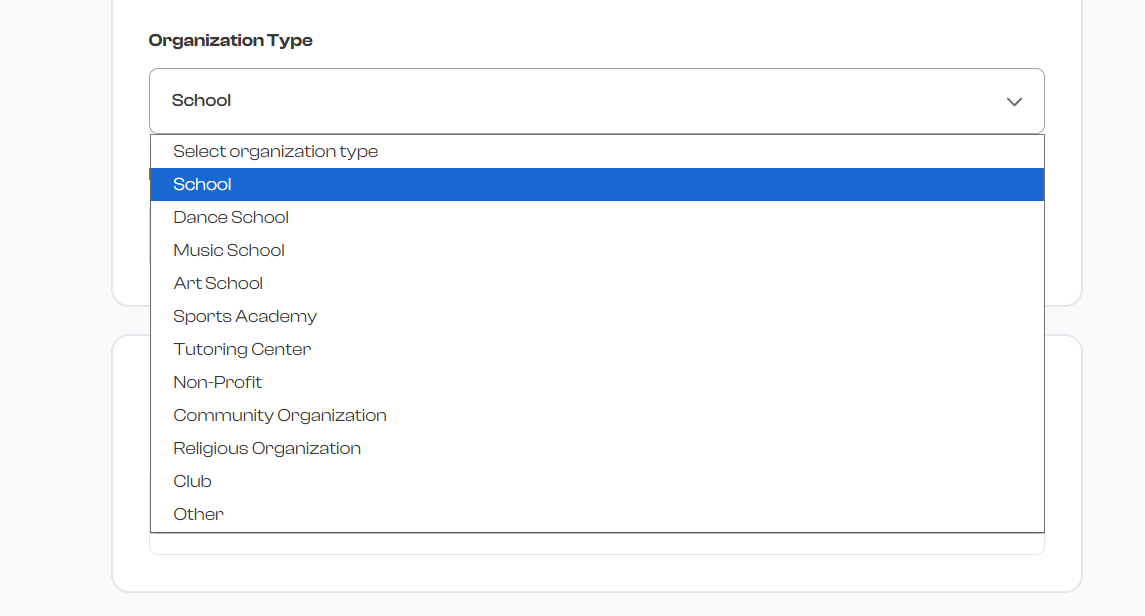
If none of the types fit your organization precisely, select Other. The organization type is used primarily for categorization and discovery -- it does not restrict any features or functionality.
Date Established
The date established field records when your organization was founded. This is displayed on your public profile to build credibility and show your history.
- This field is optional.
- Only past dates are allowed -- you cannot select a future date.
- The date appears on your public profile to show how long your organization has been active.
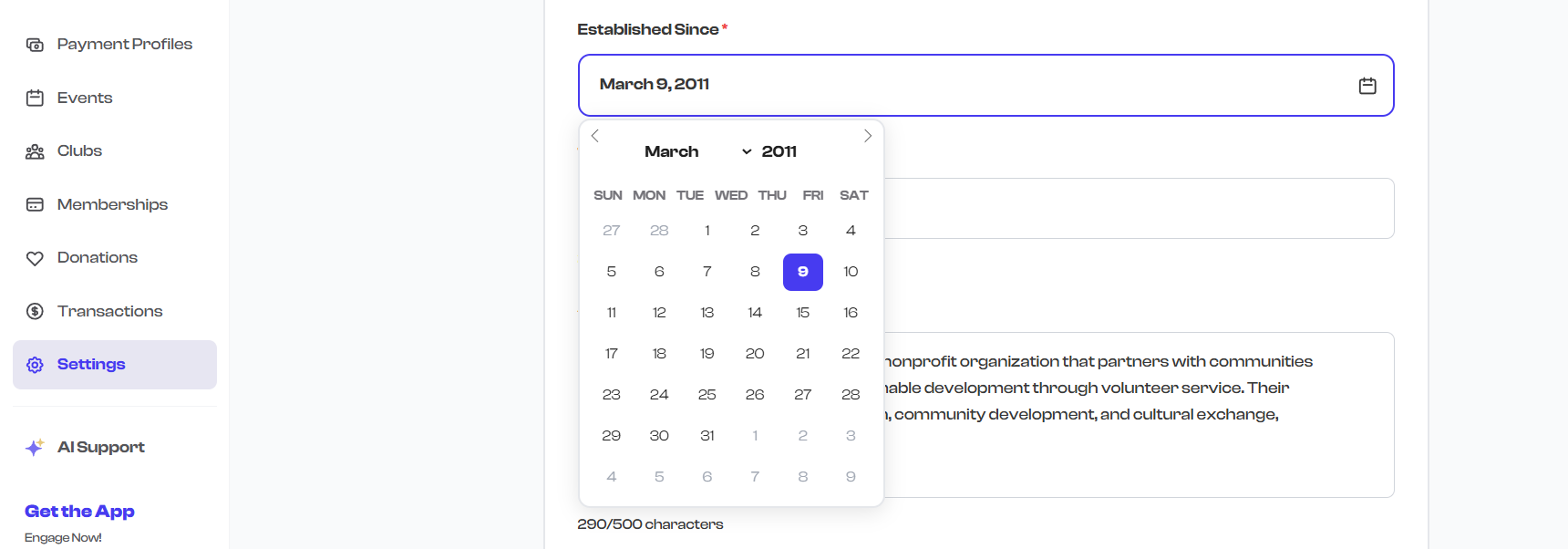
Even an approximate date is better than leaving this blank. If your organization has been around for years, showing "Established 2015" on your profile adds credibility and trust.
Registration ID / Tax ID
The registration ID field is for non-profits and registered organizations to record their official registration or tax identification number.
- This field is optional.
- Used for official documentation, compliance, and record-keeping.
- Not displayed publicly on your profile -- this is for your internal records only.

This field is for record-keeping only and is not displayed on your public profile. If you need to share your tax ID with members or donors, include it in your donation campaign descriptions or terms & conditions.
Saving Changes
After editing any fields, click the Save button to save your changes. Changes are applied immediately to your public profile.
If you navigate away without saving, your unsaved changes will be lost.
What's Next?
After completing your basic information, continue setting up your profile:
- Contact & Social Media -- Add your logo, email, phone, website, and social links
- Profile Visibility -- Control which contact details are shown publicly
- Team Settings -- Add team members and officers to your profile